Video wallpapers from YouTube & RuTube
Paste a link or use the built-in search — DeskRift streams the video onto your desktop without waiting for a download. Like it? Cache it and keep it offline, up to 4K.
DeskRift turns anything that moves into your Windows wallpaper: videos from YouTube and RuTube, your own files and GIFs, ready-made catalog collections — or an endless 3D space rendered in real time.
up to 4K at 60+ FPS · 0% GPU while gaming · streams without downloading · Windows 10/11
One tool instead of a zoo of apps: video from the web or your disk, GIF loops, ready-made collections, and a space engine of its own.
Paste a link or use the built-in search — DeskRift streams the video onto your desktop without waiting for a download. Like it? Cache it and keep it offline, up to 4K.
Lightweight endless loops — lofi coziness on your desktop. You can even cut your own GIF out of any video.
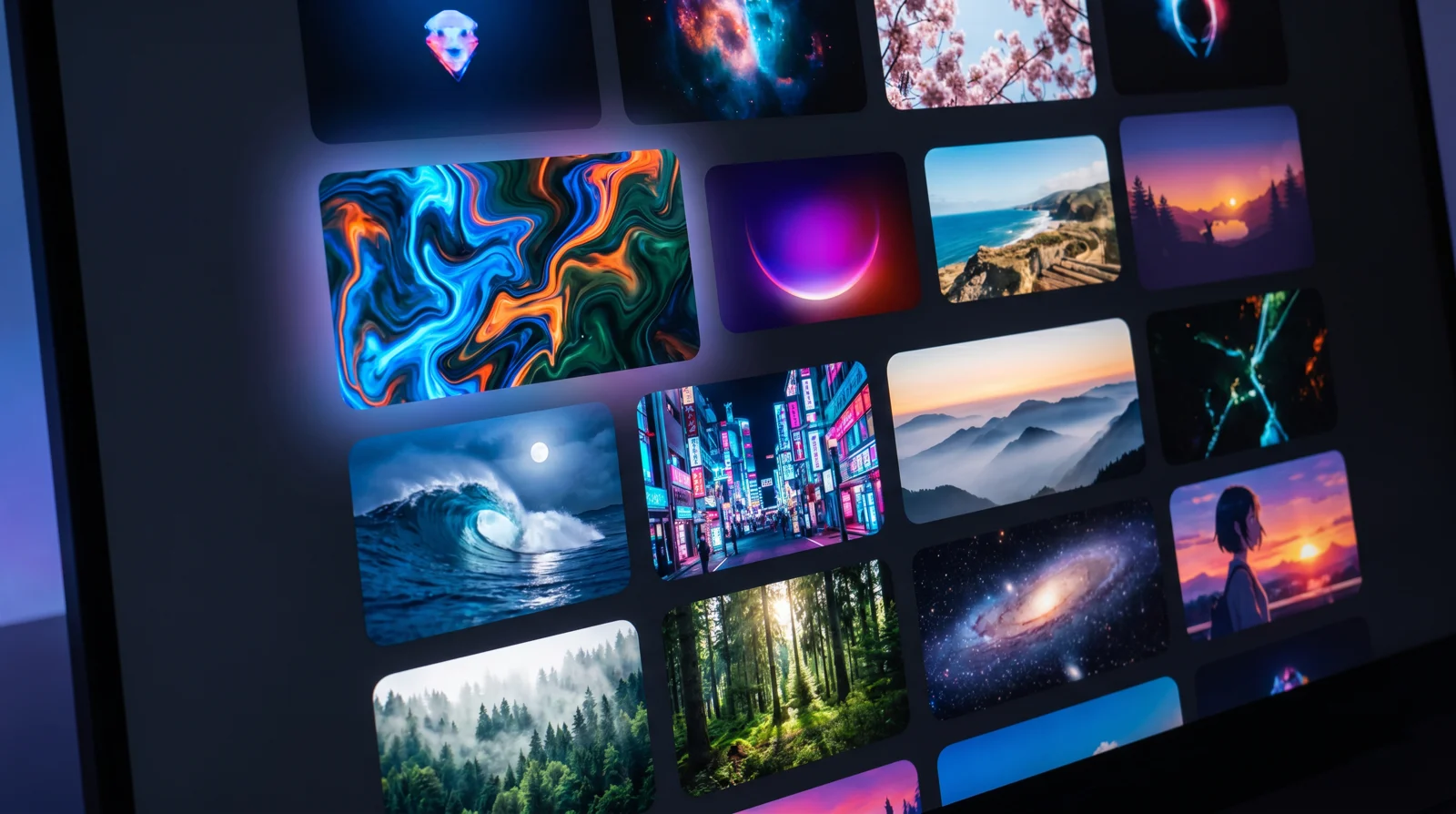
Built-in collections of live wallpapers: browse previews, set one in a click.
Not a recording — a simulation. Planets, nebulae and black holes that never repeat.
Group videos into rotating playlists, star what you love, and cut a clip out of a long video right in the app — no external tools.
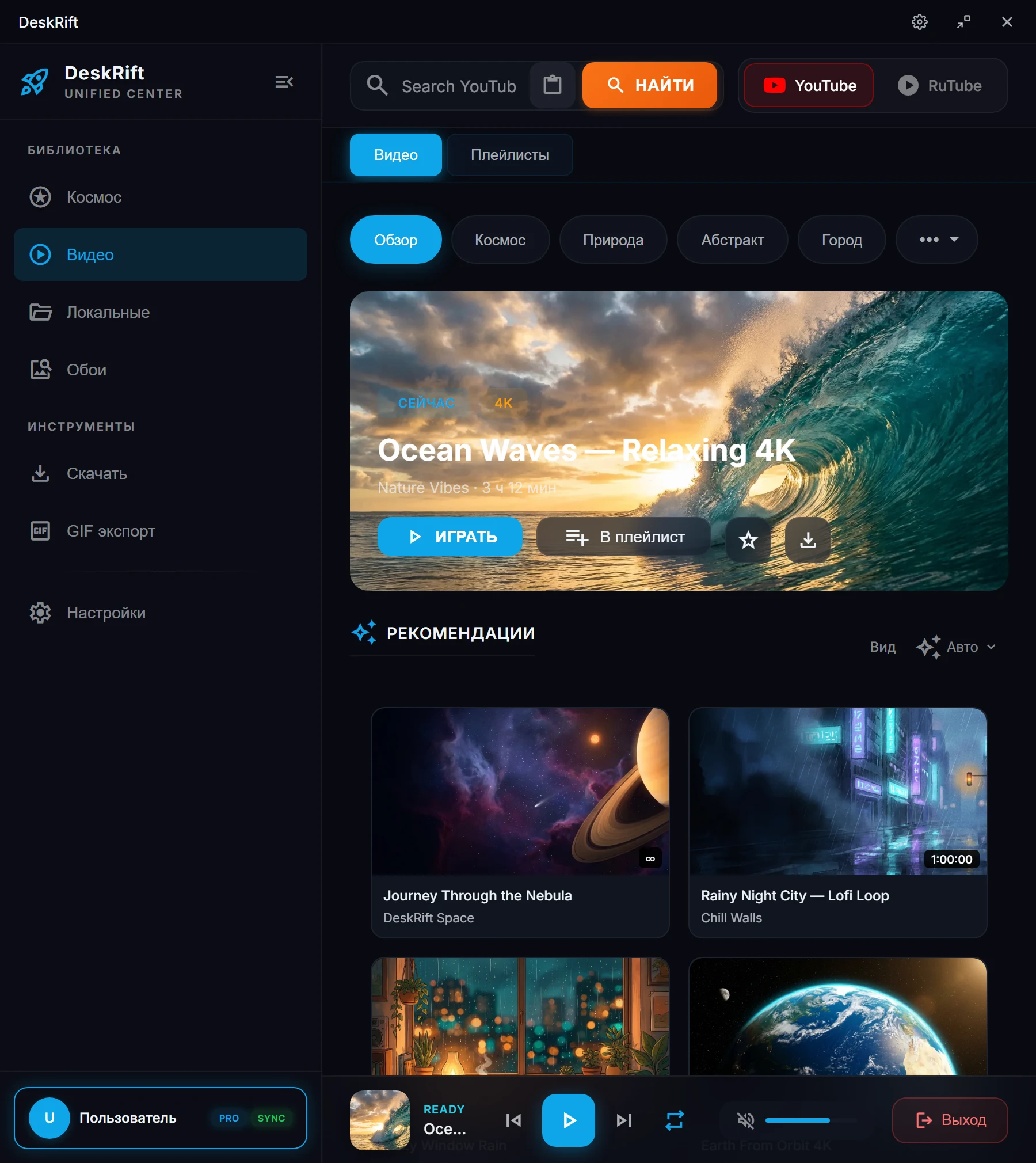
Wallpapers, library, downloads and settings live in one tidy control center — the shot below is the app window as it is.
DeskRift's pride is its own engine: the camera drifts forever through a procedural universe, and every frame is computed on your GPU right now. Every launch is a new route: different planets, different nebula palettes, different encounters.
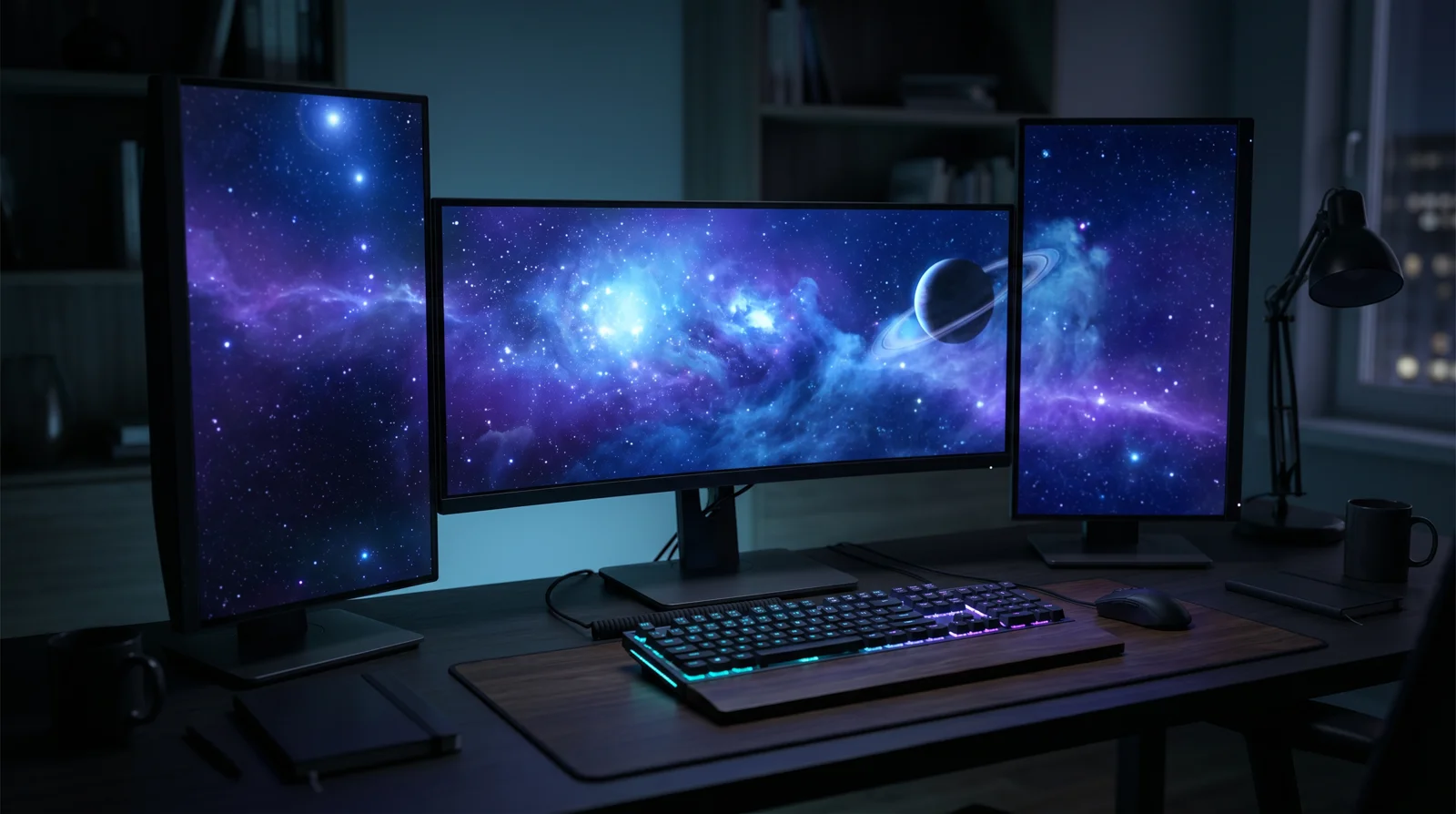
Stretch the picture as a single panorama across your whole setup — the scene continues seamlessly from monitor to monitor, aware of their real layout and DPI. Or use clone mode: the identical picture on every screen, frame for frame.
A fullscreen game or movie instantly pauses rendering and fully releases your graphics card.
Video and space in true 4K on modern GPUs — no upscaling, no blur.
WebGPU → WebGL2 → lightweight 2D: the engine picks the path for your hardware, from a gaming rig to an office laptop.
The wallpaper lives in its own process: configure, close the app — the picture keeps living.
Grab the latest build via the direct link and run the file — installation takes under a minute.
DeskRift lives in the system tray next to the clock and never clutters your taskbar. The wallpaper starts right after launch.
 21:42
21:42Double-click the icon to open the control center: space, video from YouTube and RuTube, your own files or GIFs — your call.
YouTube and RuTube (by link or via built-in search), local video files, GIFs, wallpaper catalogs with ready-made collections, plus DeskRift's own 3D space engine. You can also cut a clip out of a long video right in the app.
No. The moment you launch a game or any fullscreen app, DeskRift pauses the wallpaper and fully releases the GPU. Rendering resumes when you return to the desktop.
Windows 10 or 11. Video wallpapers run on almost anything, and the 3D space engine adapts: modern GPUs get the WebGPU renderer up to 4K, older ones fall back to WebGL2, and low-end machines get a lightweight 2D mode.
Yes. One scene can span across all monitors, or clone onto each one — in clone mode the picture is identical on every screen.
Yes. The installer is not code-signed yet, so SmartScreen may warn about an unknown publisher. Click "More info" → "Run anyway". Only download DeskRift from the official downloads page.
No — it is a true simulation rendered in real time. The universe is procedurally generated: every launch is a new journey with different planets, nebulae and events. The picture never repeats.
Free. A video, a GIF or a whole universe — installs in a minute, turns off with one click from the tray.
No adsNo accountsAuto-pause in games
Windows 10/11 · x64 · builds are published on deskrift.app